
Face Liveness Detection SDK for Passive & Active Anti-Spoofing
Confirm the face presented to the camera belongs to a live person — not a photo, video replay, or mask — before it's trusted by your verification workflow.
Source available on GitHub. See pricing & licensing →
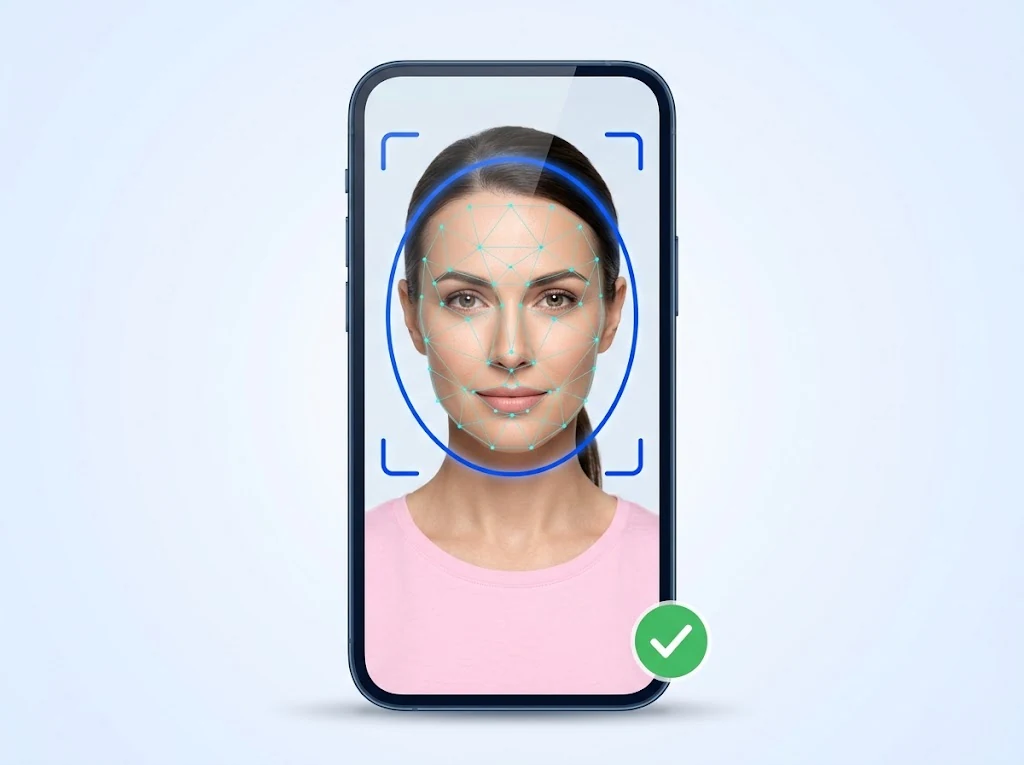
Presentation attack detection for the face channel
Face liveness detection analyzes a captured face image or short sequence to determine whether it originates from a live person in front of the camera, reducing the risk of spoofing with a photo, screen replay, or mask.
Passive liveness
Analyzes a single capture with no required user action beyond looking at the camera — lower friction, suited to onboarding flows where drop-off matters.
Active liveness
Prompts the user for a specific action (such as a head turn) during capture, adding an interactive challenge layer for higher-assurance flows.
Built to flag the presentation and injection attacks that matter today
Presentation attack detection runs as part of the liveness decision returned to your application, built to cover the full attack taxonomy defined by ISO/IEC 30107 — 2D presentation attacks, 3D presentation attacks, and digital injection attacks — not just the printed-photo case most liveness checks stop at.
Printed photos
Flags a 2D printed photo or photocopy of a face presented in place of a live person.
Digital screen replays
Flags a face played back on a phone, tablet, or monitor screen instead of a live capture.
Paper masks & cutouts
Flags flat masks and photo cutouts, including versions with cut eye or mouth openings.
3D masks
Flags silicone, resin, latex, and other 3D-printed mask materials presented in place of a live face.
Deepfake & synthetic video
Flags AI-generated, face-swapped, or otherwise synthetic video presented as a live capture.
Digital injection
Flags video streams injected directly into the capture pipeline instead of coming from a genuine camera in real time.
Key capabilities
- ✓ Passive liveness detection
- ✓ Active liveness detection with challenge/response
- ✓ Presentation and injection attack detection (print, replay, mask, deepfake, and digital-injection categories)
- ✓ Mobile SDK for on-device capture and analysis
- ✓ Server deployment for centralized decisioning
Deployment options
Run liveness analysis on-device for immediate feedback during capture, or server-side when you need centralized policy control across many client apps. Both stay inside your infrastructure — see on-premise deployment.
Integrate in the stack you already use
Where teams use the Face Liveness Detection SDK
Account onboarding
Confirm a live selfie before it's matched against an ID photo.
Step-up authentication
Add a liveness check before approving a high-risk transaction.
Fraud prevention
Reduce reliance on static face images that could be reused across fraudulent accounts.
Combine with Face Recognition for a complete face check
Liveness detection confirms the face is real; the Face Recognition SDK confirms whose face it is. Most identity verification workflows use both together.
See the full workflow in the Suite →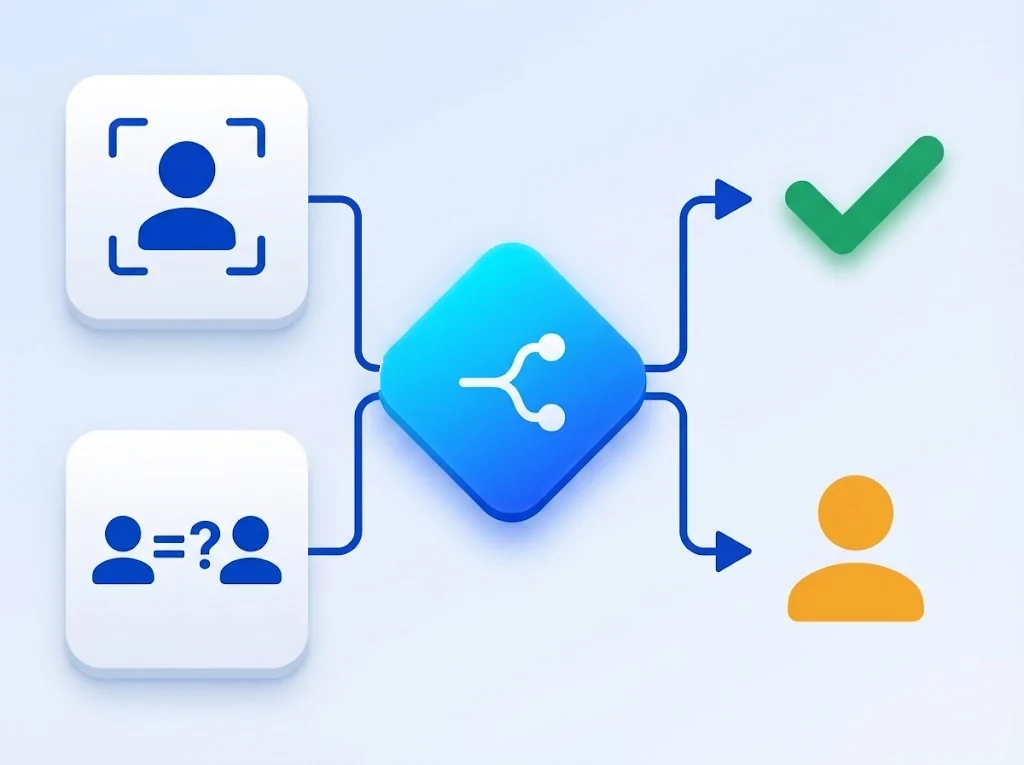
Frequently asked questions
Evaluate the Face Liveness Detection SDK
Get a technical walkthrough with our engineering team.